
Ideas are easy to find. Hard to keep.
Capt what matters. Return when you are ready to build.

YouTube is where you watch. YouC is what you keep.
How it flows
- Watch
- Cap
- Learn
Practice loop
Problem
- Ideas in the moment — The thesis lands, then the tab closes and the thread is gone.
- Notes without seconds — A bullet in a doc does not reopen the frame that convinced you.
- Research sprawl — Great ideas scattered across apps that never talk to each other.
Solution
- Capt the spark — Voice + timestamp beside the player while you are still in flow.
- Return with proof — Links reopen the exact second with your spoken context attached.
- Build when ready — Ship the idea into docs, tickets, or calendar without re-watching.
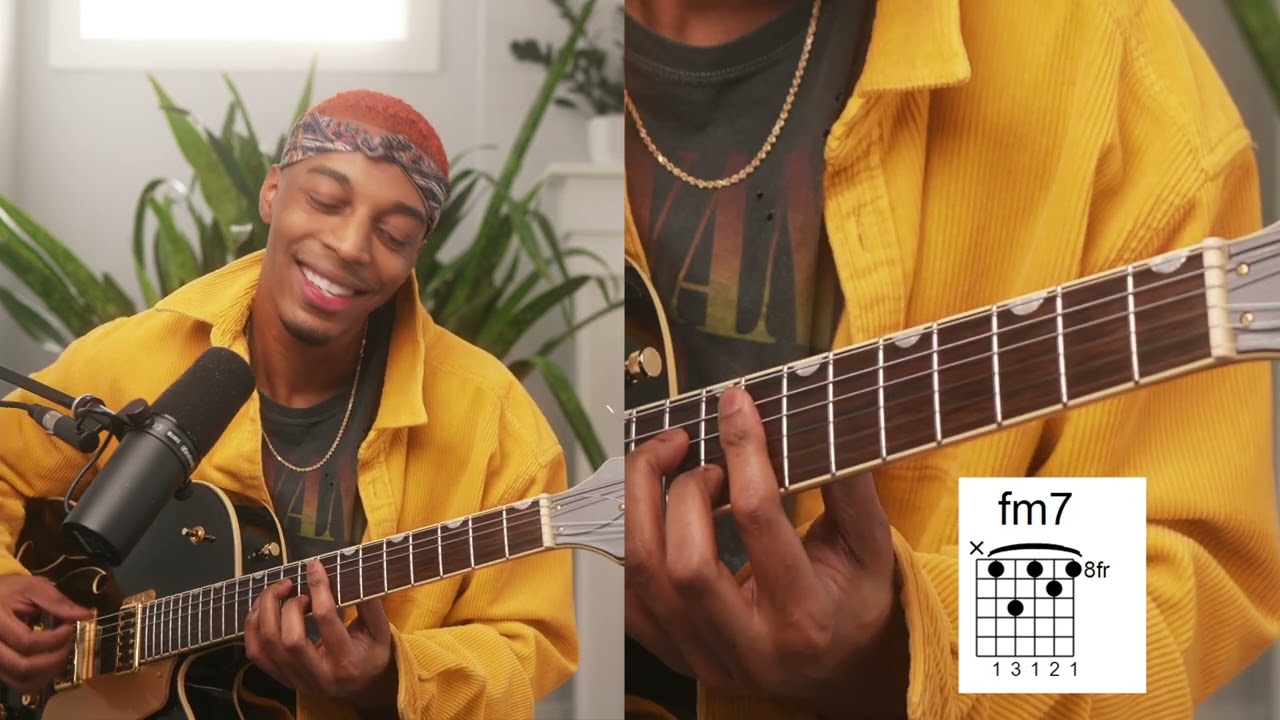
Find your next practice path on YouTube
Search a workflow or topic—results open as YouTube searches with intent. Paste a watch URL anywhere on this site (outside a text field) to jump straight into YouC.
Start with a practice path
Details
Keep ideas without hoarding videos
You do not need another watch-later list. You need captures — moments you meant — with return links that rebuild understanding. That is what Capt means on YouTube: keep the idea, not the entire catalog.
From spark to build artifact
The best captures are short and specific: one thesis, one chord voicing, one API pattern. Return when the idea graduates from interesting to urgent, and paste the proof into the doc, ticket, or calendar block where the build actually happens.
FAQ
- What gets saved?
- The second on the timeline, your voice note, and a return link that carries both.
- How is this different from /youtube/captureideas?
- Same intent — this is the short category entry at /capture-ideas; the nested page remains for legacy SEO paths and deeper how-to copy.